Design Systems & AI
Grove Design System
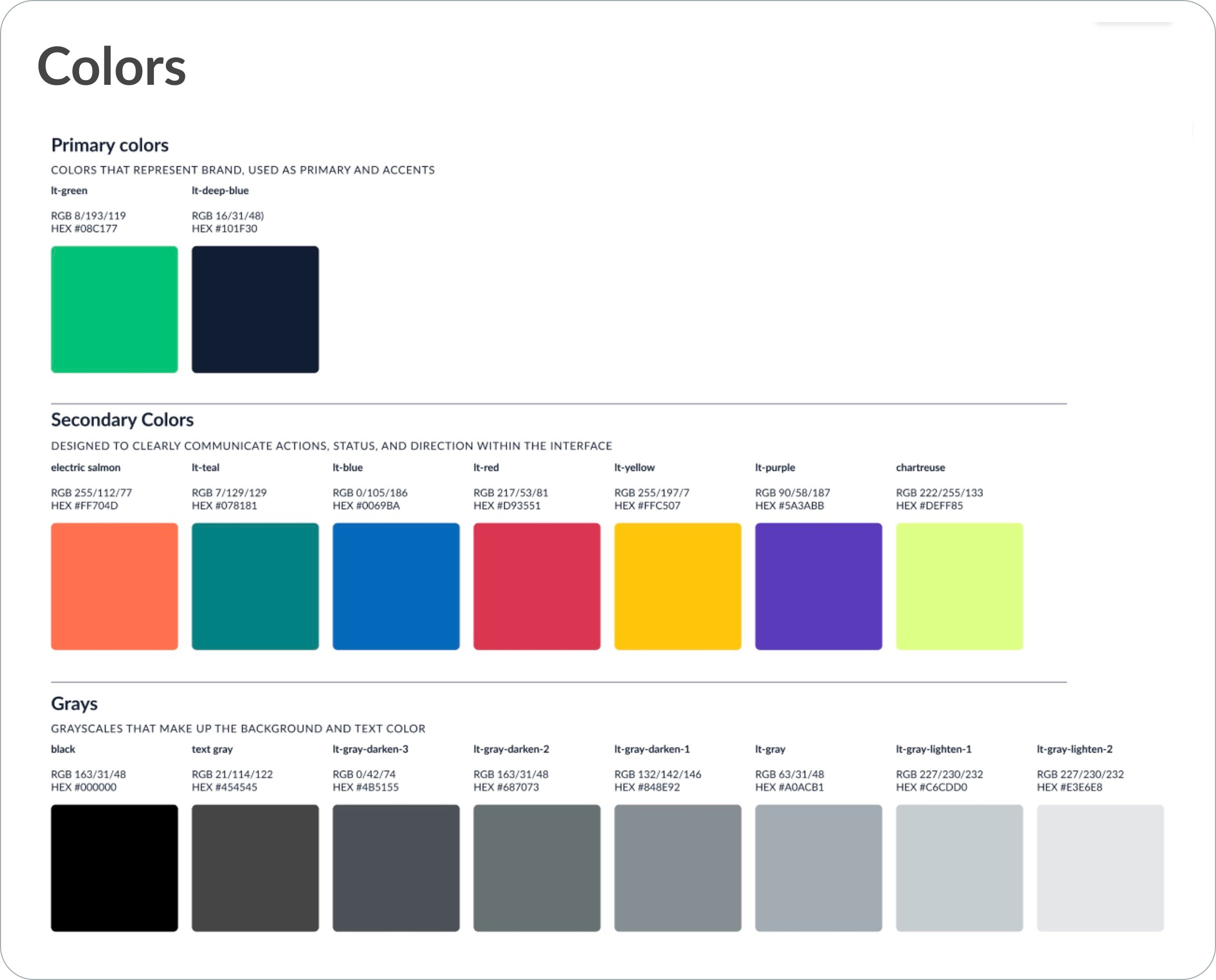
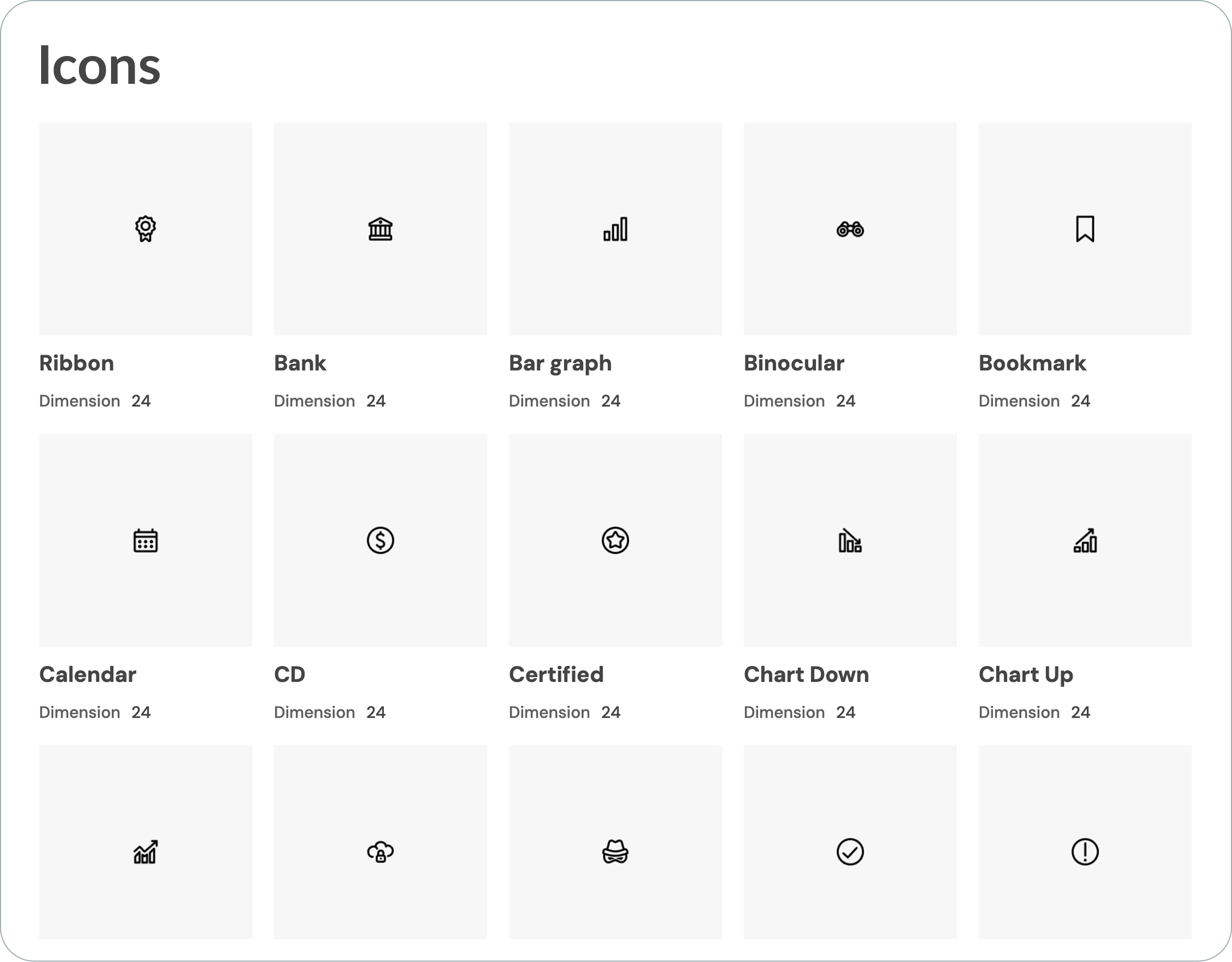
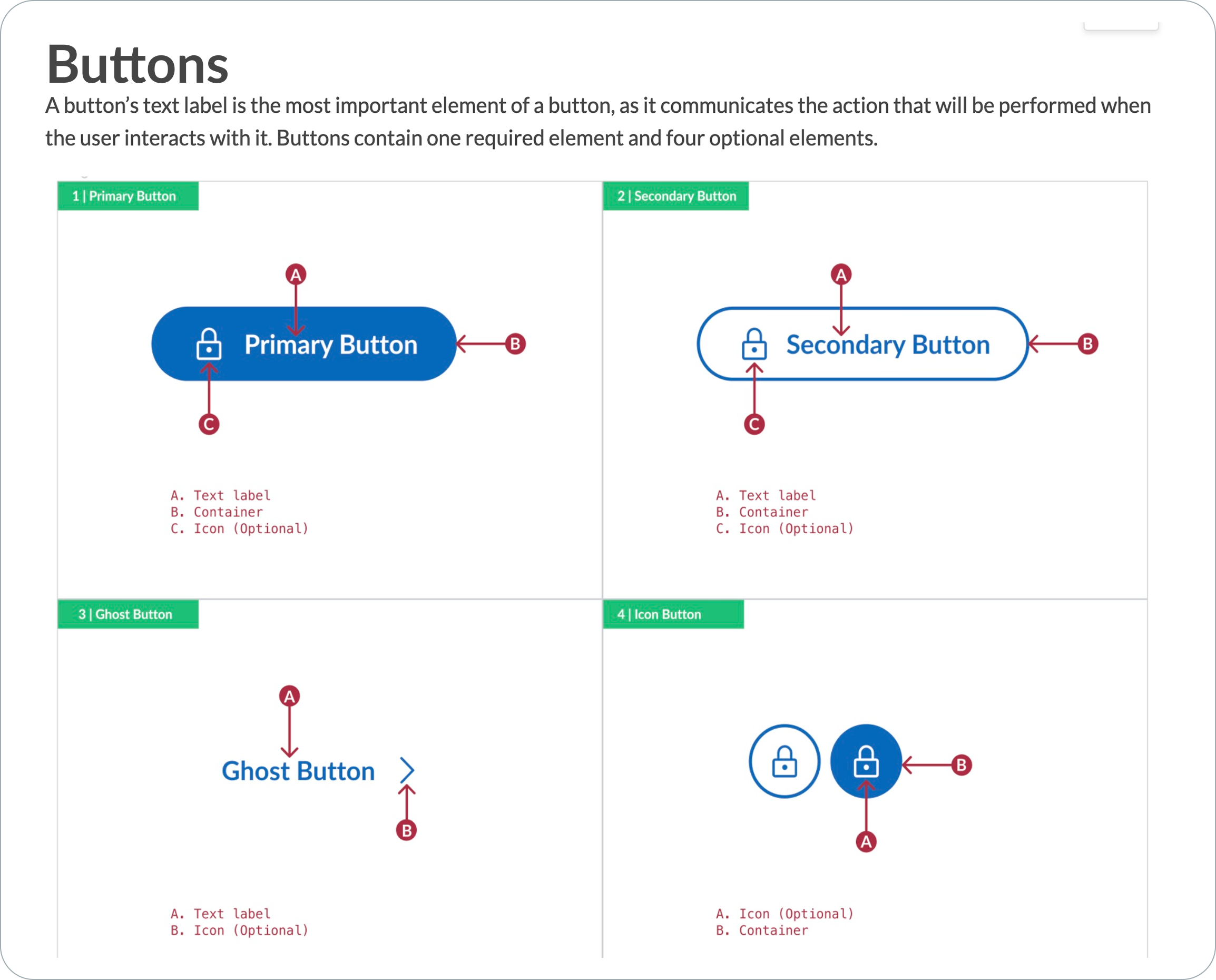
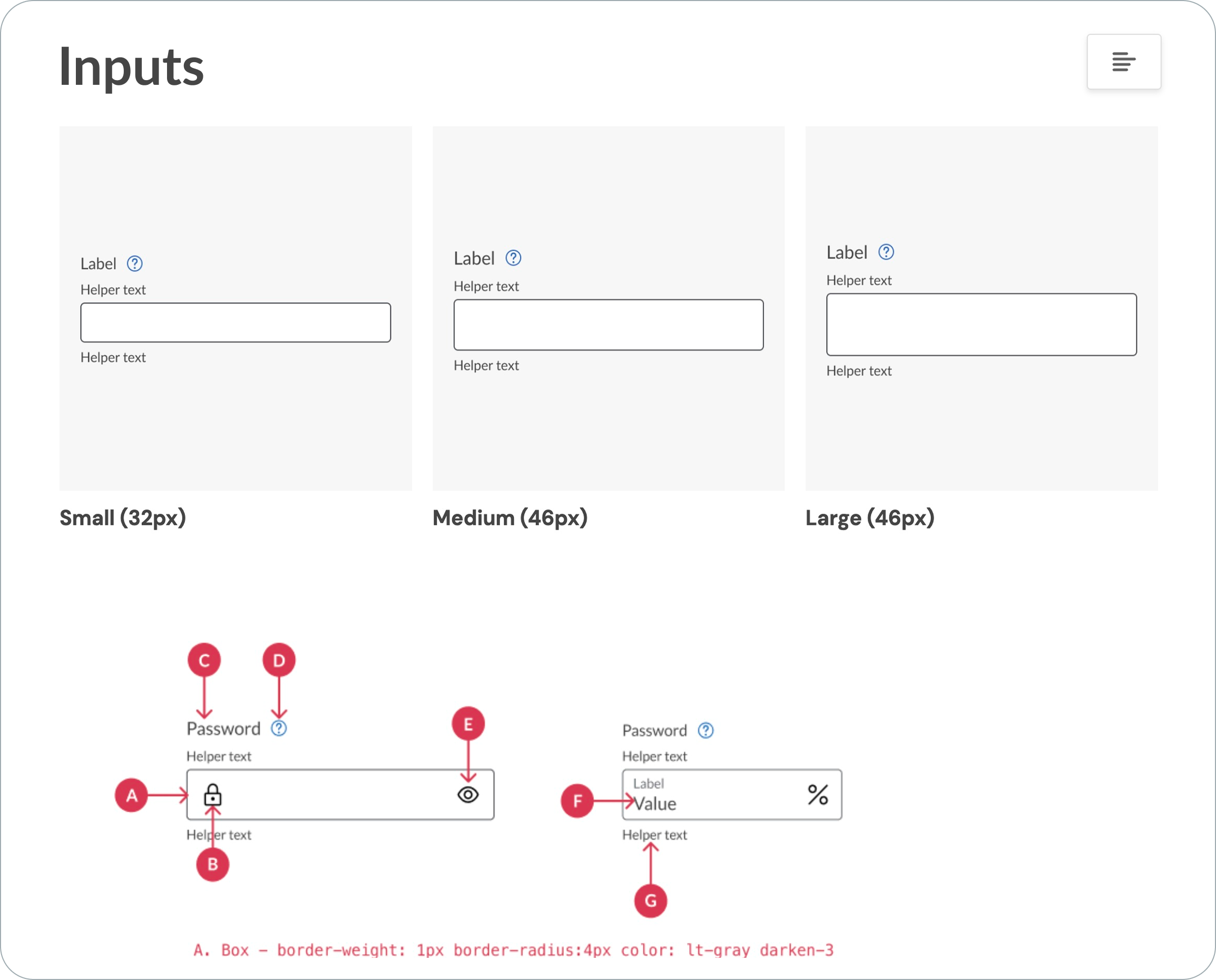
LendingTree's design system, Grove, was not handed down from above. It was built from the ground up by people who cared enough to do the hard work of establishing shared standards where none existed.
I was part of that grassroots effort from the early stages. I contributed to the foundational debates about how the system should be structured, advocating for decisions that would serve the team long-term, and building out components directly in Figma as the system took shape.
Today, my team owns Grove on behalf of the entire company. That means maintaining and evolving the system as the brand and product grow, ensuring new components meet the same standard as everything that came before, and keeping the documentation current so every designer and developer across the organization is working from the same source of truth.
AI + Design System
Building a Smarter Landing Page Workflow
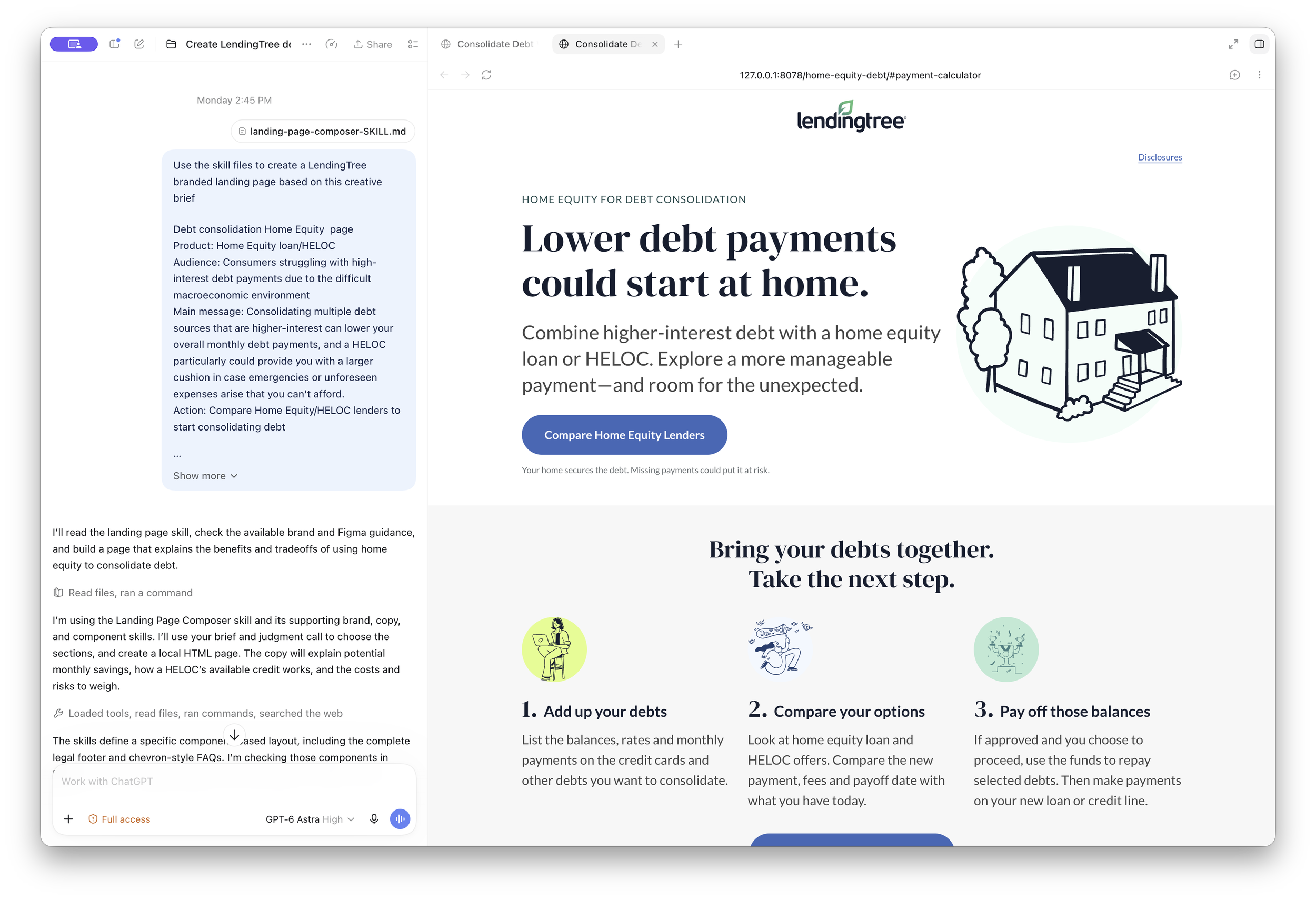
To modernize how my team produces landing pages, I led the effort to built a system of interconnected AI skills that takes a page from creative brief to production-ready code. Rather than relying on a series of manual handoffs between design and development, the workflow is orchestrated by AI at every stage, from component selection and content writing to quality control and final output. The foundation is a Figma component library I designed specifically for this system, ensuring every page that comes out the other end is structurally and visually on-brand. It is a fundamentally different way of working, and it has made landing page production faster, more consistent, and more scalable than anything we were doing before.
CASE STUDY
Work Smarter, Not Harder
I am a self-professed Figma nerd. And one of the more satisfying problems I have solved in Figma is eliminating the double-template problem that plagued our form flow and CRM email workflows.
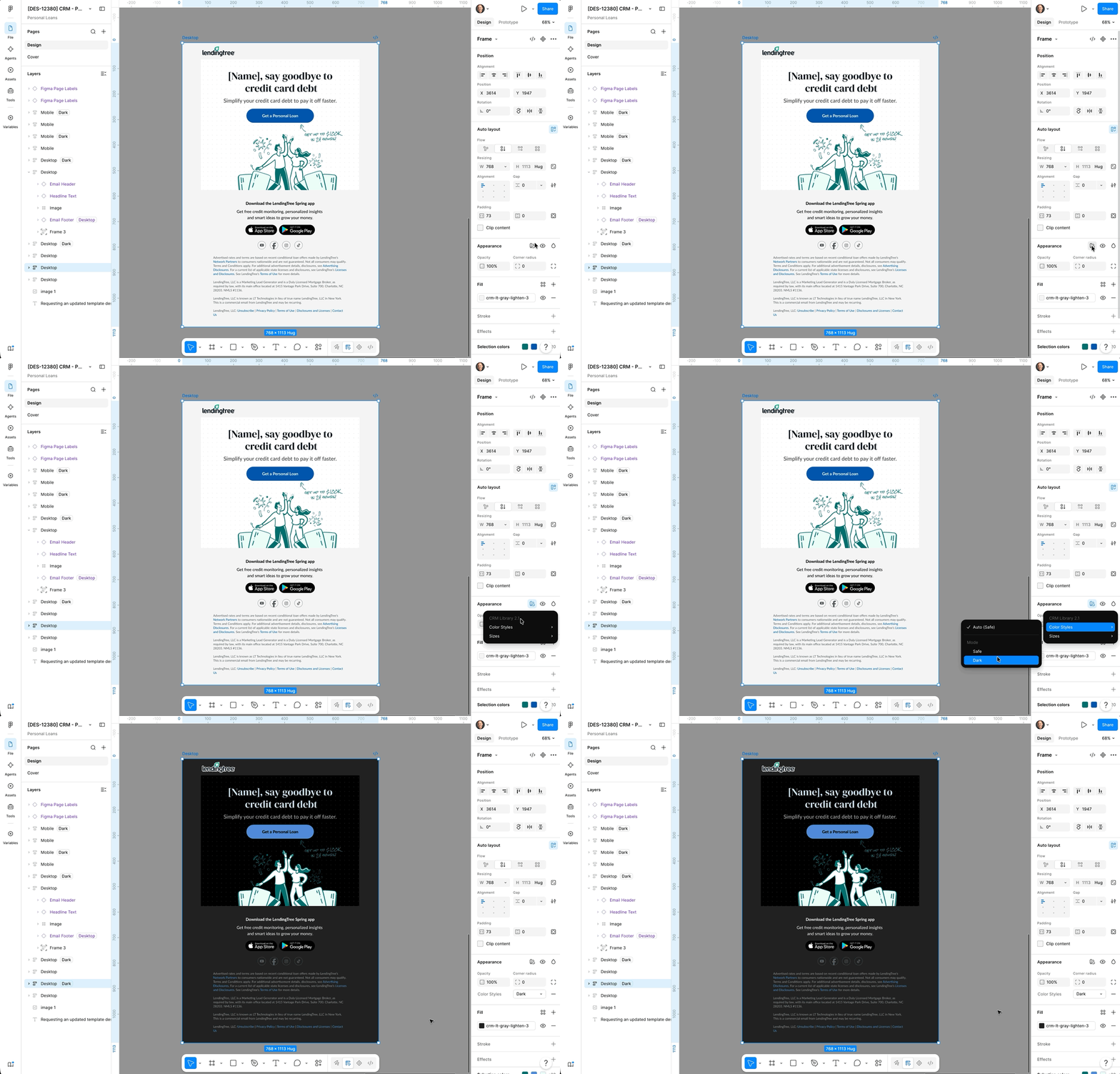
Building designs for multiple color modes used to mean maintaining separate templates. Double the files, double the updates, and twice the room for inconsistency. I solved this by implementing Figma variables into the workflow, mapping color styles across safe and dark mode values so the entire template switches with a single toggle.
The variable structure covers the full color palette and a corresponding dark mode value mapped directly to the design system. When a designer needs a dark mode version, there is no rebuilding, no manual color swapping, and no risk of drift from the approved palette. One click, done.
The result is a faster, cleaner production process that keeps everything pixel-perfect and on-brand without any additional effort from the team.
AI & The Modern Creative Team
The arrival of AI in the creative workflow demands different leadership. The designers and creatives who thrive in this environment are the ones who learn to use AI as a thinking partner and an accelerant, moving from concept to execution faster than was ever before.
Ideas that once required days of production work can now be tested, refined, and shipped in hours. My job as a leader is to create the conditions where my team feels empowered to explore that, and to model it myself.
How I've Brought AI into the Creative Workflow
Landing page design and production
I led the creation of an AI-centered workflow that takes a page from brief to production-ready code, generating on-brand layouts using design system components and deploying them directly to a Git repository for launch. What used to require multiple handoffs between design and development now moves through a single, repeatable process.
Image generation
Using AI image generation to concept and produce visual assets for paid marketing, giving the team the ability to test more creative directions faster and iterate on what performs without the cost and time of a traditional production shoot or trying to find the perfect stock photo.
Figma Make kit
I developed a Figma Make Kit built from markdown files grounded in our design system, giving designers and developers a shared foundation that speeds up the path from design to production-ready code.
Rapid prototyping
Using Figma MCP alongside Codex and Claude, my team can turn early-stage ideas into high-fidelity interactive prototypes in a fraction of the time, making it faster to pressure-test concepts before committing to full production.
Video captioning
My team uses AI to automatically caption UGC video content, eliminating an hours-long manual bottleneck that used to slow down every publish cycle and keeping the team focused on work that actually requires their judgment.